Styling
A view drawn by hand, from the same model
The brush redraws the active view as a sketch — every line, hatch and mark traced by a hand — in the viewport and in its SVG, PDF and image exports.
The brush
The bottom right tool Hand-drawn style, the brush, sets the hand-drawn style of the active view. Turn it on with the switch in its header, then render; turn it off for the technical drawing.
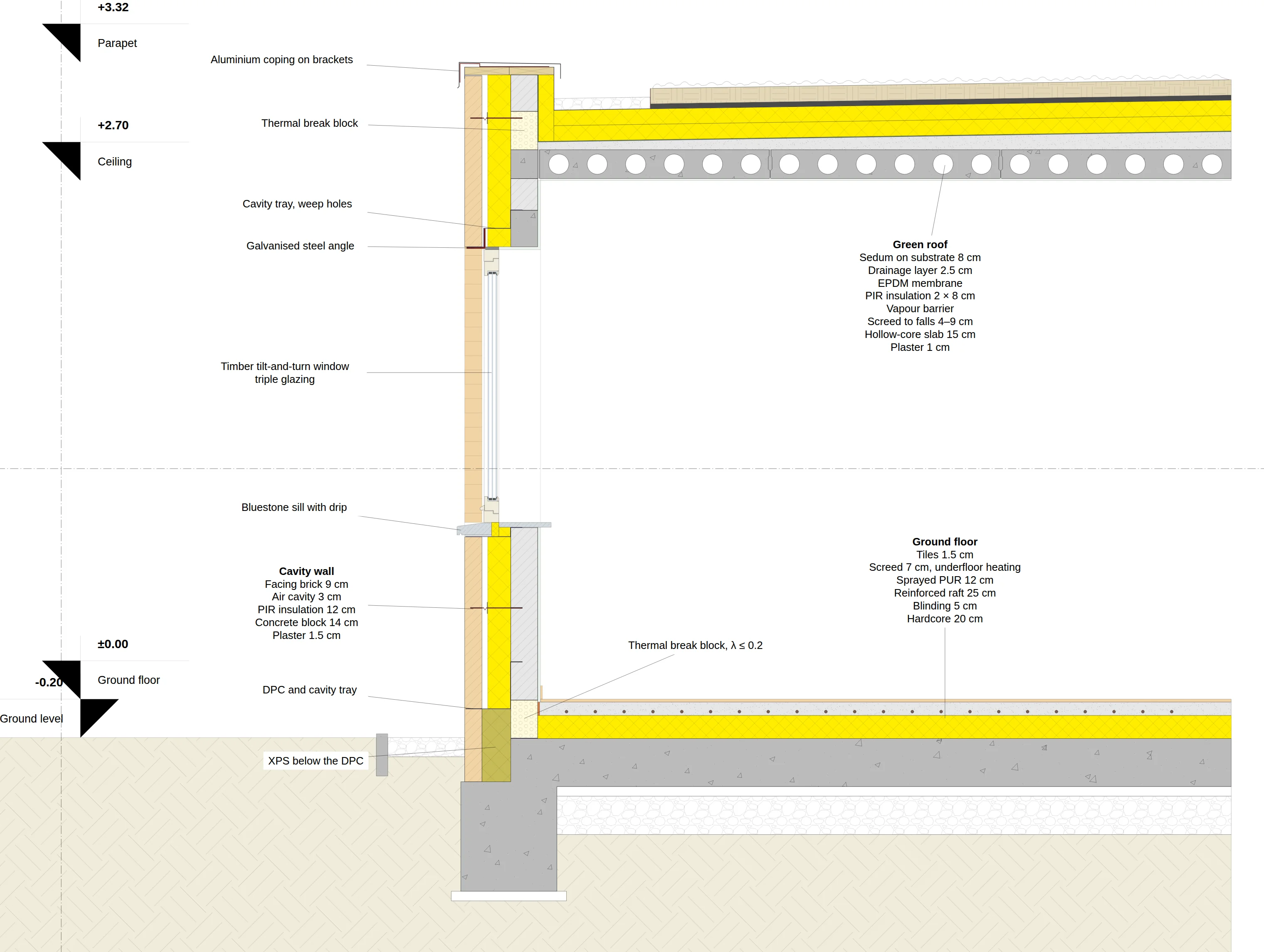
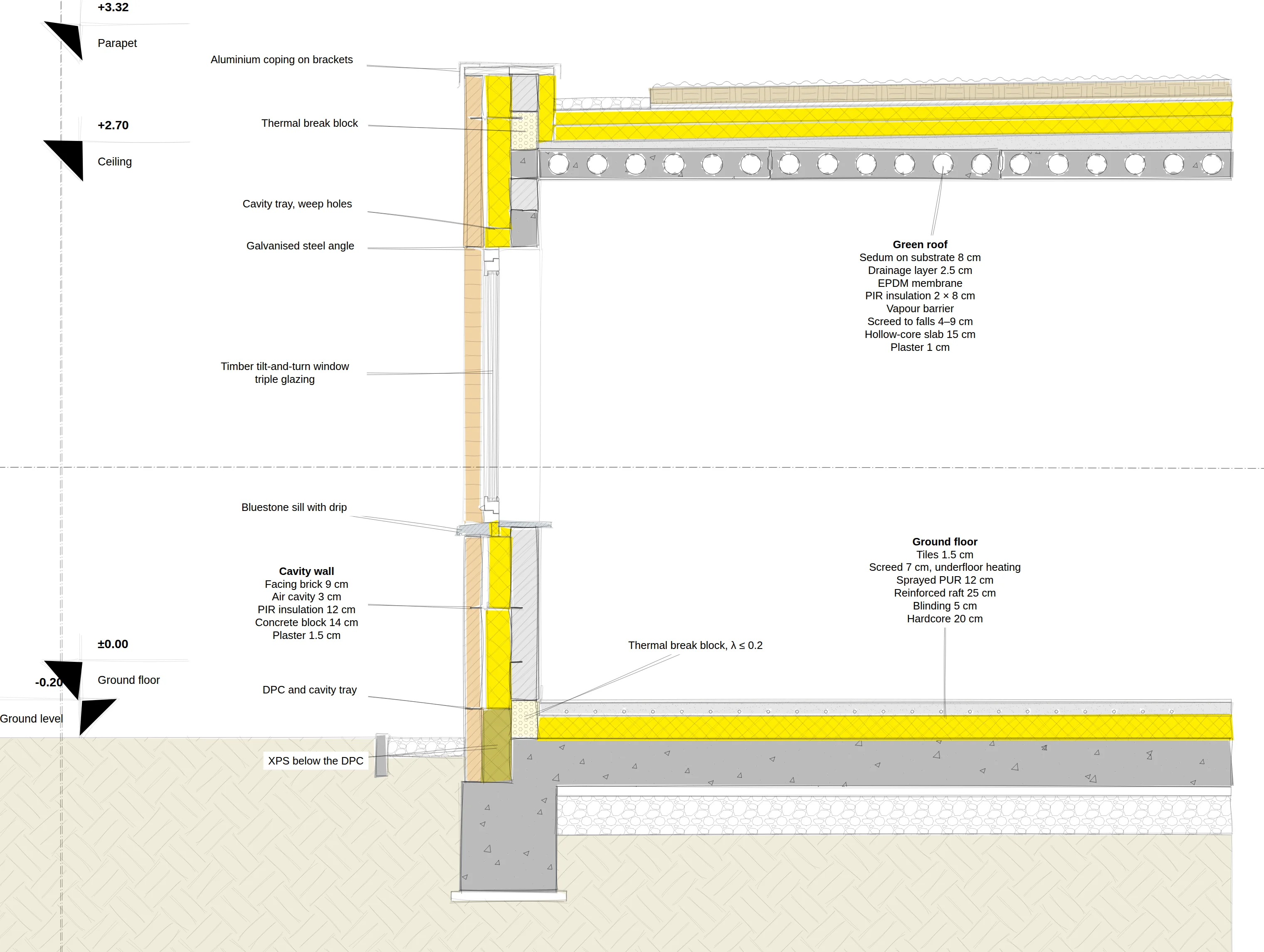
Each view keeps its own style: an elevation sketched for a presentation, the plans drawn as technical drawings. The style is saved with the project, and Undo takes back each change.
Settings
Under the switch, the settings tune the hand. Each change is saved with the view; render to see it.
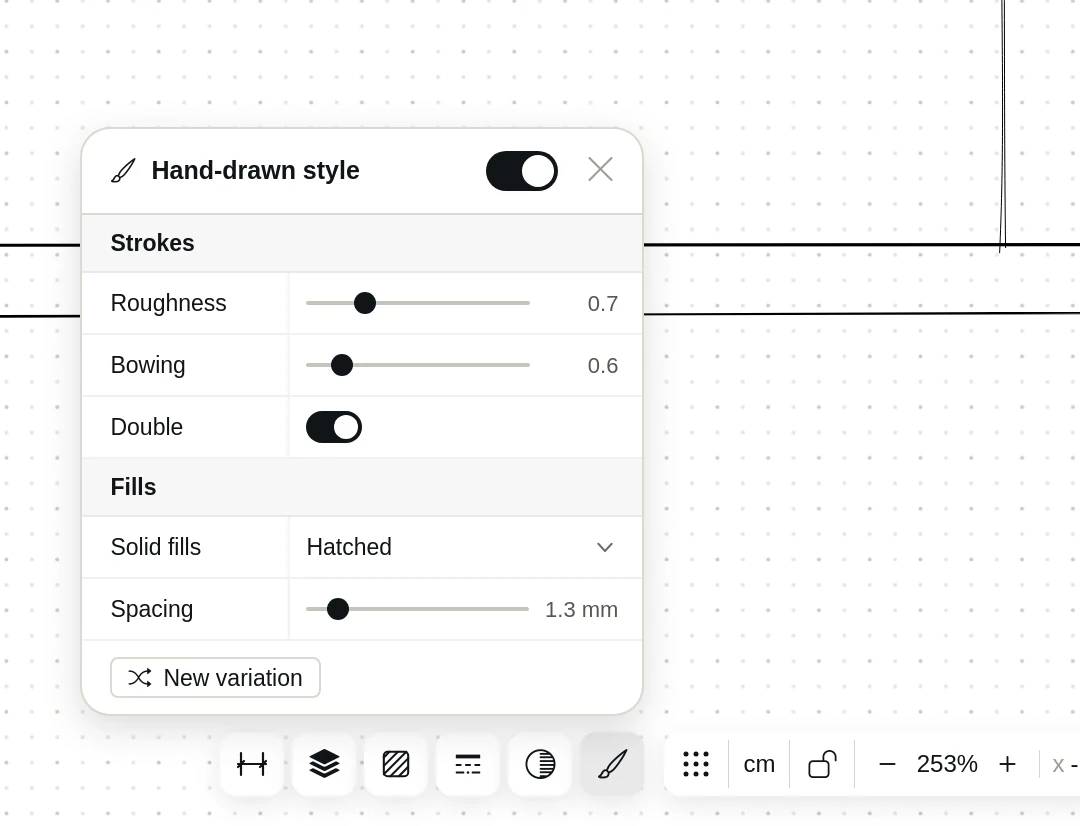
- Roughness
- How far the hand wanders from the line: 0, steady, to 3. 0.7 by default.
- Bowing
- How much a long line bows: 0, straight, to 5. 0.6 by default.
- Double
- Every line traced twice, as a quick hand does. On by default.
- Solid fills
- Hatched, sketched strokes in the fill's colour; Cross-hatched; or Solid, the colour inside a slightly wandering outline. A pattern is always drawn by its own lines.
- Spacing
- The hatching's spacing on paper, 0.3 to 10 mm. 1.3 mm by default.
- New variation
- The same drawing by another stroke of the hand. Until you ask for another, every render and every export draws the same strokes.
What is drawn by hand
- Every line: the cut and projected lines, the symbols, the section markers, the spot elevations, the notes' leaders and the dimensions. The texts stay as they are.
- Every hatch, line by line, in its colour and its weight; a solid fill as Solid fills says.
- The hand is sized for the paper: its wander is measured in millimetres of the sheet at the view's scale — the page's 1:N, the dimensions' scale or the scale the view's texts are written for — so a plan at 1:100 and a detail at 1:5 read alike.
- The SVG, the PDF and the images draw what the viewport shows. The DXF stays a technical drawing, for your CAD software.
Through the API and MCP
section.sketch turns a view's style on or off and changes its settings: only the fields you send change. Through the MCP server, ask for it in your words: “draw the south elevation by hand”.
curl $API/sessions/$S/commands/section.sketch -H "Authorization: Bearer $KEY" \
     -H 'Content-Type: application/json' -d '{"target":"South elevation","on":true,"roughness":1}'